Network Device Discovery: A Scoped Inventory Guide

The most repeated advice about network device discovery is to sweep the subnet and see what answers. In any environment where a client, a change board or an on-call engineer expects to know what's being touched, that's the wrong first move. A sweep answers one narrow question: what replied to a probe, from one vantage point, at one moment. It says nothing about who owns the device, whether anyone authorized it, or whether it should be monitored at all.
Start with the paperwork instead. Every candidate device gets a row in a scoped inventory worksheet before a single packet leaves the monitoring host, and that row records which method proved the device exists. Authorization first, probe second, monitoring configuration third. Skip that order and the result is a list nobody can defend when a client asks why their camera VLAN got pinged at 2am.
Method choice matters because each approach proves something different, and some prove very little.
Table of Contents
- Three Discovery Methods Compared at a Glance
- Set the Scope Before Any Probe Runs
- Build a Scoped Inventory Worksheet
- Run Passive and Active Discovery Safely
- SNMP Interface Discovery and Its Limits
- Classify Results and Reconcile the Inventory
- Pilot One Device Before You Scale Up
Three Discovery Methods Compared at a Glance
| Method | What it finds | Requires | Main limit | Fivenines role |
|---|---|---|---|---|
| Passive neighbor observation (ARP, IPv6 Neighbor Discovery) | Active IP-to-MAC neighbors on the same link | Same broadcast domain or link | Blind to routed hosts and device type | Not a Fivenines discovery method |
| LLDP and CDP neighbor tables | Adjacent devices that advertise themselves on switch ports | Protocol enabled on both ends | Only devices that send LLDP or CDP | Not a Fivenines discovery method; read from your switches |
| Active host probes (ICMP, TCP, UDP) | Hosts that answer within an approved range | Written approval and a routable path | Filtering creates false negatives | Not used; Fivenines does not scan subnets |
| SNMP interface polling | Reachability, interface counters and errors for a known device | Device address, SNMP version, credentials and UDP/161 | Only the MIB objects the device exposes | Polls explicitly added SNMP devices |
| Exported records (CMDB, DHCP, hypervisor, cloud APIs) | Records your organization already owns | Export access and current data | Records can be stale or duplicated | Used to choose devices; no automatic import claimed |
ARP exists because Ethernet needed to turn an IPv4 address into a hardware address without a hand-maintained table on every host. A device broadcasts a request, and the owner of the matching address replies with its MAC address, as the Wireshark protocol reference describes. IPv6 Neighbor Discovery uses ICMPv6 solicitation and advertisement messages instead of broadcast, and adds router discovery and unreachability detection, as specified in RFC 4861. Both methods are limited to the local link.
A successful neighbor lookup proves local reachability and an address-to-MAC pairing. It does not identify the operating system, device role, owner or interface health.
LLDP and CDP provide another local signal. A switch can learn what an adjacent device advertises on a port when the protocol is enabled at both ends. Devices that do not send LLDP or CDP remain invisible to these tables.
Exported records can supply ownership details that probes cannot infer, but they may be stale or duplicated. Keep the distinction between observing existing traffic and actively probing in view; this overview of passive monitoring and active monitoring explains how the methods differ.
No single method produces a complete inventory. Record each candidate, its classification and the method that confirmed it in the scoped worksheet.
Set the Scope Before Any Probe Runs
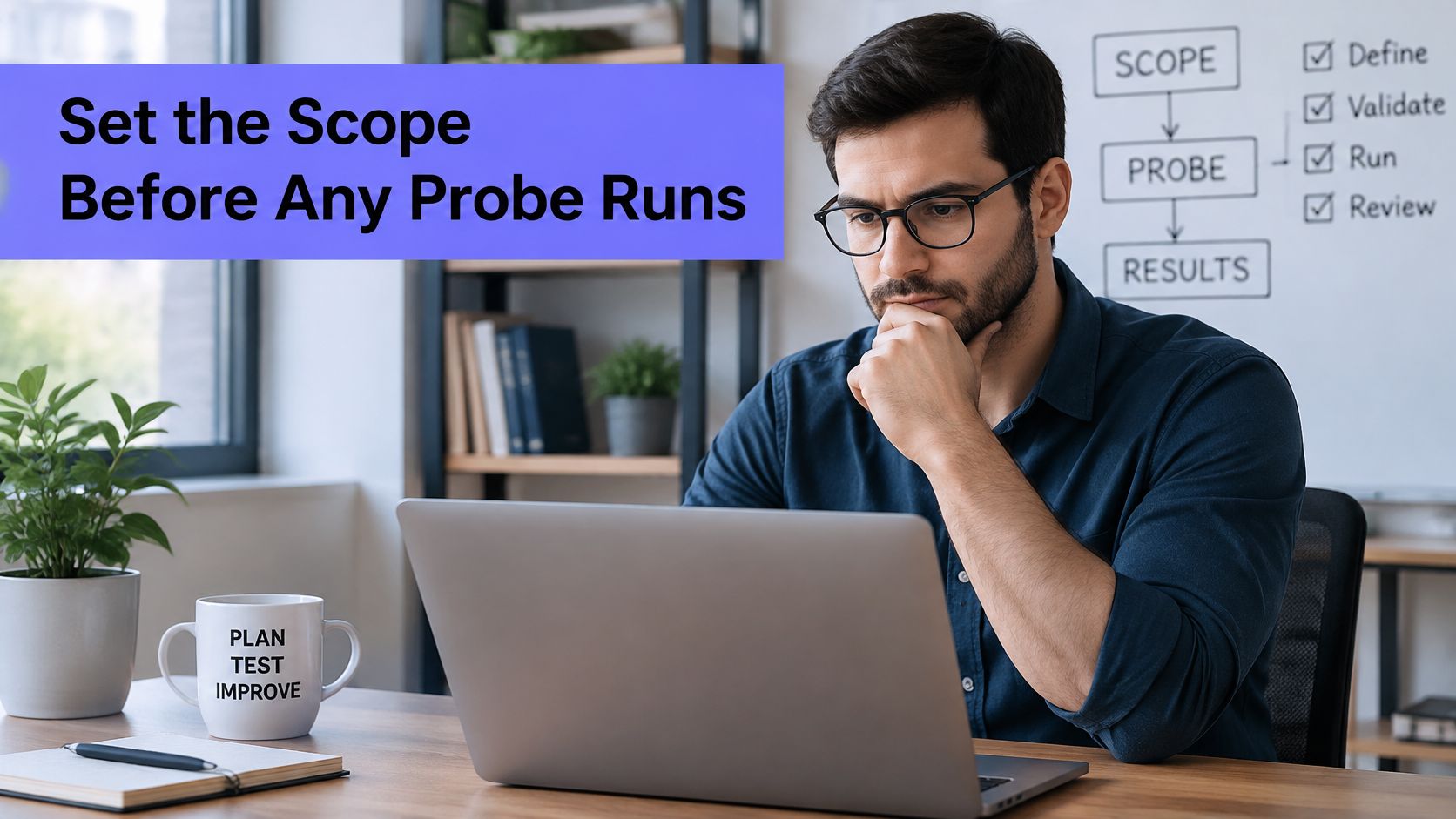
Authorize the boundaries before choosing a discovery method. A routing table is not permission to scan every subnet. For each approved range or device, record the approver, allowed probe types and time window. Name an owner who can resolve unknown devices, and list excluded segments before any probe runs.
The population under review may include far more than servers and routers. Forescout's analysis of 10 million devices across more than 700 organizations found that 65% were nontraditional IT assets, while network equipment accounted for 11% (Forescout's analysis of modern networks). Nontraditional assets include equipment such as cameras, badge readers and building controllers; some may be disrupted by aggressive probing.
Fivenines polls only SNMP devices added explicitly. Its monitoring list is therefore a deliberate selection, not the automatic result of subnet discovery.
For each scope, record the authorized range or device, approver, permitted probe types, allowed hours and review date. For example, 10.20.1.0/24 might be approved for ICMP and SNMP polling during business hours, while 10.20.5.0/24 is excluded from active probes because the vendor documents fragile handling of ICMP floods. Keep the approval and exclusion decisions tied to the candidate devices they cover.
Practical rule: no named approver, no probes. Document exclusions before authorizing any active discovery.
Build a Scoped Inventory Worksheet
One row per candidate device, with a status that moves from discovered to approved to monitored or excluded. Copy the fields below into a spreadsheet and fill one row per device before the first probe runs. Every example value here is hypothetical.
| Field | Purpose | Example (hypothetical) | Required |
|---|---|---|---|
| Device ID | Unique key for the row | SW-CORE-01 | Yes |
| Address (IPv4 or IPv6) | Current reachable address | 10.20.1.2 | Yes |
| MAC address | Match records across sources | 00:1B:44:11:3A:B7 | If available |
| Owner | Team or client accountable for the device | Client A network team | Yes |
| Approved scope | Range or device the owner authorized | 10.20.1.0/24, approved 2025-11-03 | Yes |
| Discovery method | Passive, LLDP or CDP, active, SNMP or export | SNMP | Yes |
| SNMP version | v2c or v3 when polling | v3, authPriv | Yes, if polled |
| Credential reference | Vault entry name, never the secret | vault:snmp-core-ro | Yes, if polled |
| First seen and last seen | Timestamps for each discovery cycle | 2025-11-04 09:12 / 2025-11-18 09:10 | Yes |
| Confidence | High, medium or low | Medium | Yes |
| Classification and decision | Managed, unmanaged, unknown or transient; add, defer or exclude | Managed; add | Yes |
Two rules keep the sheet honest. Store only the name of a vault entry, never the community string or SNMPv3 passphrase, in the credential reference column. And write a question mark in any cell where no value exists rather than filling it with a plausible guess. A guessed owner is worse than a blank one, because it stops someone from chasing the answer.
Confidence levels turn scattered observations into a defensible claim:
- High when two independent sources agree, for example a DHCP lease and an SNMP
sysNamethat both point at the same device. - Medium when one source confirms the device exists but nothing corroborates the details.
- Low when the only evidence is a stale record, a single unanswered probe, or a MAC address seen once.
Classification values are managed, unmanaged, unknown and transient. A transient device, a laptop on a guest segment or a phone on DHCP for an afternoon, is recorded so the next discovery cycle recognizes it, but it isn't monitored. Recording it costs one row. Monitoring it costs an alert channel, an owner and a maintenance burden.
The basics of what counts as a device in the first place, and how categories differ, are covered in what network devices are if the worksheet is being introduced to a team that doesn't share the same vocabulary yet.
Run Passive and Active Discovery Safely
The most expensive mistake in this step is treating a silent probe as evidence of absence. It isn't. A single negative result has almost no evidentiary value, because an active device may suppress ICMP, reject unsolicited TCP or filter UDP while still answering SNMP from an authorized management subnet.
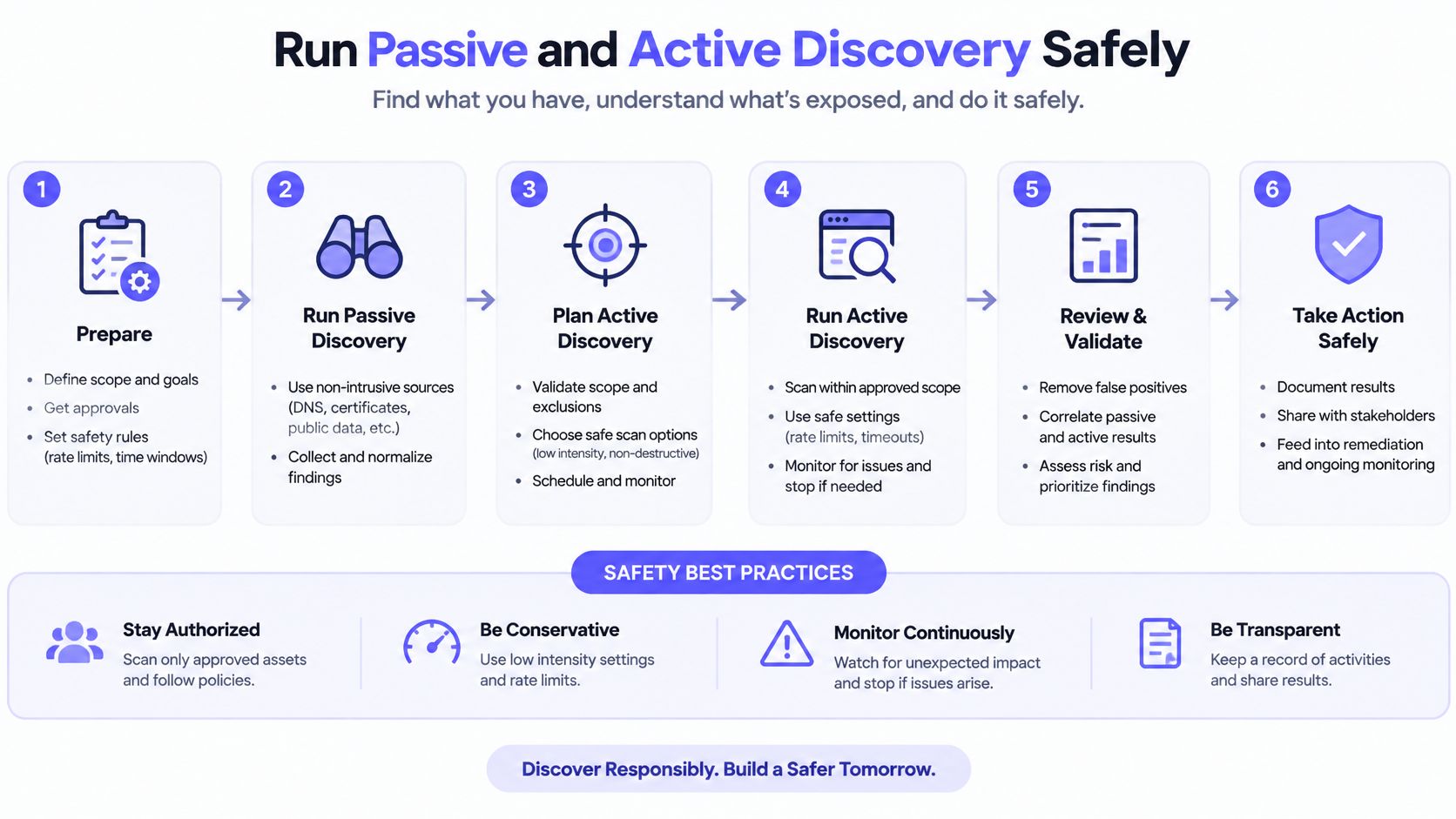
On the same Ethernet segment, ARP for IPv4 and Neighbor Discovery for IPv6 resolve neighbors directly and are normally preferred. Across a router, ARP can't cross, so discovery has to use routable probes such as ICMP echo, TCP SYN, TCP ACK or UDP. Nmap's default host-discovery behavior deliberately combines several probes, including ICMP echo, TCP SYN to port 443, TCP ACK to port 80 and an ICMP timestamp request, precisely because firewalls block some probe classes while permitting others, as the Nmap host discovery documentation explains.
A scoped, read-only sequence that respects that:
- Confirm the approved range from the worksheet. If the range isn't on the sheet with an approver, stop. This step is the one people skip.
- Run a bounded sweep from the monitoring agent host, for example
nmap -sn -n --max-rate 50 10.20.1.0/24 -oN discovery-10.20.1.txt. The flags are-snfor no port scan,-nfor no DNS lookups and--max-rateto cap probe rate. Check them against the Nmap version you run, since flag behavior has changed across releases. - Record which probe answered each address. "Host responsive" and "SNMP available" are different results and belong in different columns.
- Retry silent addresses from a second vantage point before marking them unreachable. ACLs and routing asymmetry routinely hide a device from one segment and expose it from another.
A silent result after step 2 means down, filtered or off-network. It does not mean absent. A silent result after step 4 still means one of those three, but the probability shifts toward down, and the last-seen timestamp should stay in the worksheet either way.
Run the sweep from the same segment as the agent that will poll the device. A device you can reach from your laptop and the polling host can't reach is a discovery result you'll waste a week on.
IPv6 needs a different posture. Its address space, sparse distribution and the absence of reliable seed addresses make ping sweeps a poor fit, so start from the worksheet and from router or switch neighbor data rather than from a /64. Whatever answers here is a candidate for the next section, not a monitoring list.
SNMP Interface Discovery and Its Limits
Finding a device and reading it are separate operations, and the second one has prerequisites the first one doesn't. Confirm the endpoint answers on UDP port 161, then test credentials and see which MIB objects the device exposes. A host responding on the network tells you nothing about whether valid SNMP access exists.
Make SNMPv3 with authentication and privacy the default. The NIST SP 800-82 guide states that SNMP versions 1 and 2 use unencrypted passwords for reading and configuring devices, while SNMPv3 provides substantially stronger security; CISA guidance cited there recommends using only SNMPv3 with a MIB allow list when SNMP is required, and advises against community strings. Where v2c survives for legacy gear, confine it to a separate, tightly scoped management network.
A read-only sequence that validates the path before anyone commits to a monitoring template:
- Check UDP/161 reachability from the agent host. A filtered port and a wrong version look identical from a distance.
- Query one identity object, for example
snmpget -v3 -l authPriv -u monitor-ro -a SHA -x AES -t 2 -r 1 10.20.1.2 sysName.0. Supply passphrases through the prompt or an environment variable, never on the command line where they land in shell history and process listings. - Read
sysDescr.0andsysName.0to confirm the device is the one the worksheet says it is. - Query the interface table to confirm counters are present and incrementing before you promise interface monitoring to anyone.
Timeouts bite harder than they look. The Net-SNMP command documentation notes defaults of a one-second timeout and five retries, so an unreachable device can stall a discovery run for several seconds per object. Drop retries to one during discovery and raise them later for production polling. The same documentation warns that some agents return object identifiers out of order, which can make a walk loop indefinitely, so run bounded single-object queries first and only widen to interface tables once identity is confirmed.
The structure of the interface table itself, and how OIDs map onto it, is worth understanding before writing any of this into a template. The SNMP and MIB overview covers that ground, and the snmpwalk with OID walkthrough handles the command-level detail rather than repeating it here.
One boundary to keep straight: a device that answers identity queries does not guarantee complete interface, hardware or performance data. Those depend on the MIB modules the vendor implemented and chose to expose. Environments that mix SNMP-monitored infrastructure with physical security gear need the same discipline about which segment a controller sits on, which is why how access control devices communicate is worth reading before deciding where a door controller or reader lands in the worksheet.
Classify Results and Reconcile the Inventory
Raw results aren't a monitoring list, and the scale of unmanaged infrastructure explains why. In 2025, 32.5% of all network-connected assets were unmanaged, according to Palo Alto Networks. Roughly a third of what a sweep finds has nobody accountable for it, which is exactly why classification comes before onboarding.
| Result | Likely meaning | Next action | Add to monitoring |
|---|---|---|---|
| Silent on all probes | Down, filtered or off-network | Retest from a second vantage point and keep last-seen | No |
| Answers ICMP, SNMP times out | UDP/161 filtered or wrong SNMP version | Check ACL, version and credential, then retest | No, until fixed |
| SNMP returns unauthorized | Credential or MIB view mismatch | Verify user, security settings and view | No |
| Responsive but partially modeled | Restricted MIB view | Monitor reachability; add interface data only where objects exist | Yes, with stated limits |
| Two records conflict | Duplicate, replaced or randomized MAC | Reconcile MAC, owner and timestamps | Hold |
| Answers from an unapproved range | Possible unmanaged asset | Raise for owner review | No |
Reconciliation is the work of comparing the discovered list against DHCP leases, switch neighbor data, cloud or hypervisor inventories, CMDB records and the approved list. Where two sources agree, confidence goes high. Where they disagree, the row goes on hold and the owner resolves it, not the person running the scan.
Keep first-seen and last-seen timestamps and never delete a device because it missed one cycle. Maintenance windows, power events and a single filtered probe all produce gaps that look like disappearance. A MAC address that changes weekly, or a device presenting three addresses, usually means one physical asset and not three; mark those rows low confidence and settle ownership before anything is monitored.
Define the incident threshold in advance and label it as a starting point. An unapproved device appearing on a restricted segment is worth raising immediately. An approved device that stops responding for three consecutive failed cycles is a different case, and three is an illustrative threshold the segment owner should confirm, with a sustained window and an explicit collection-failure condition so a broken poller doesn't read as a broken switch.
Pilot One Device Before You Scale Up
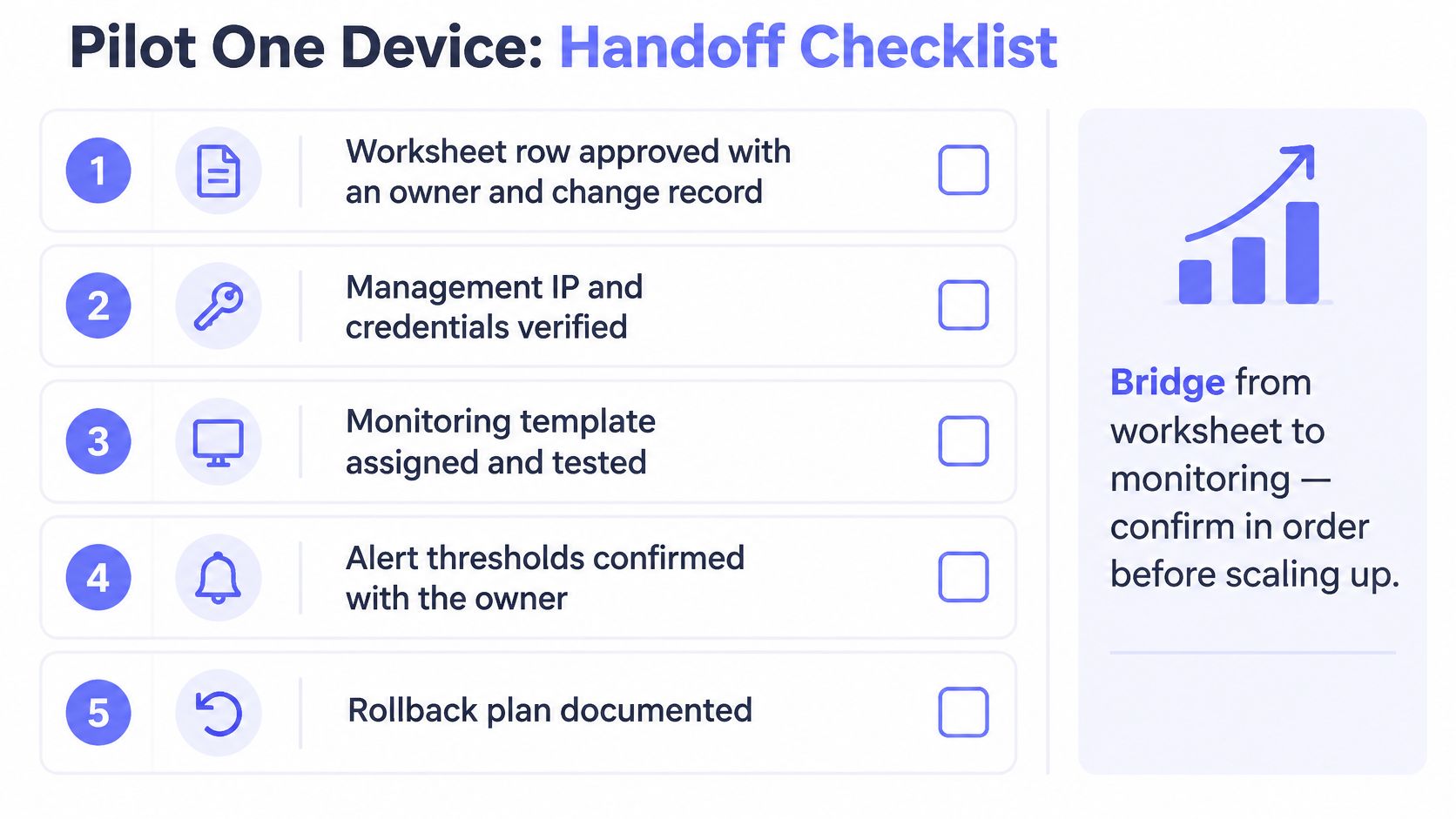
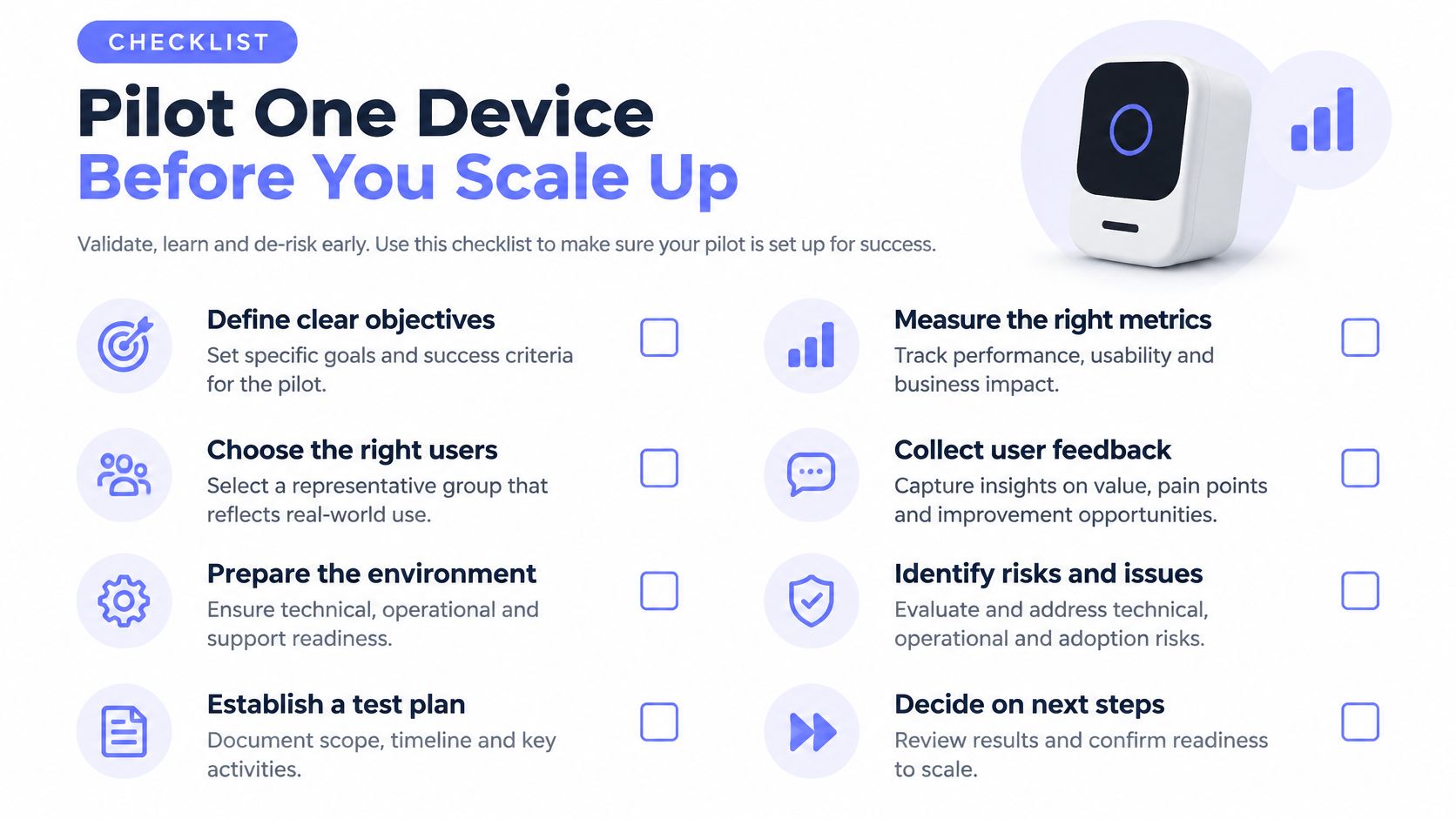
The bridge from worksheet to monitoring is a short checklist, and it runs in order. Confirm each item before the next:
- Worksheet row approved with an owner and a change record reference.
- Management address and credentials verified from the agent host, not from a laptop on another segment.
- SNMPv3 user is read-only and its secrets live in the vault, referenced by name only.
- Device added with a name and client group so it's findable later without searching by address.
- Readings match the device's own CLI for at least one interface: counters, errors and reachability.
- One non-production alert tested and routed to the owner through a notification channel your plan supports.
- Worksheet updated with the monitored date and the next review date.
Step 5 is where most pilots fail. If the interface counter in your monitoring tool disagrees with show interfaces on the device, fix that before adding a second device, because a scaling problem multiplied by a range becomes a trust problem in a week.
The product boundary matters here. Fivenines polls SNMP devices you configure explicitly, covering interface traffic, errors, reachability and alerts. It does not scan subnets to add devices, receive SNMP traps, support SNMP v1, or chart device CPU, memory or temperature. Setup steps and screen names change between releases, so follow the current network device monitoring feature page rather than any written outline, including this one. The way devices get added, by choosing a reachable agent host, enabling SNMP polling and entering each device's settings and credentials, is described there.
Practical rule: pilot one host and one SNMP device. Verify the readings against the device CLI. Only then add the next approved range.
Whether the collection point is an agent or a remote check also changes what you can see, and that trade-off is set out in agent versus agentless monitoring. No savings or outcomes are claimed here; the pilot exists to prove the readings are right.
Fivenines brings SNMP network device polling, server metrics, uptime checks and cron monitoring into one hosted platform, with network devices added explicitly by address and credentials through an agent host that can reach them. If the worksheet is ready, connect one host, add one approved SNMP device, confirm the interface counters match the device's own CLI, and test a single alert route before adding a second range. Start at Fivenines and run that one-device pilot first.